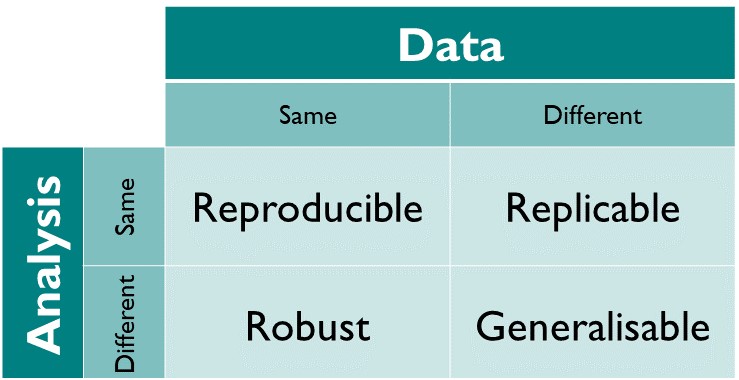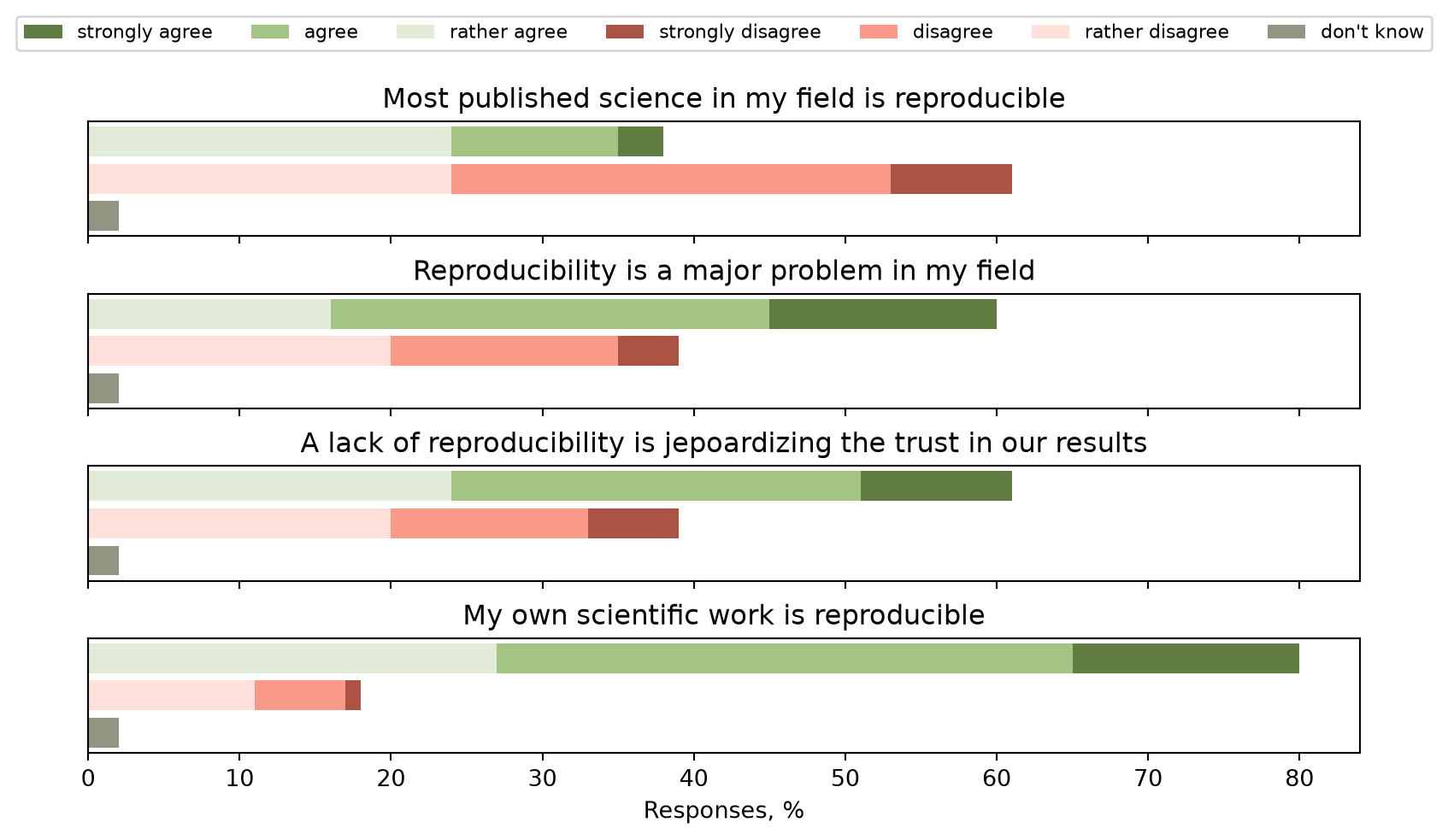
For this course we will take the following definition:
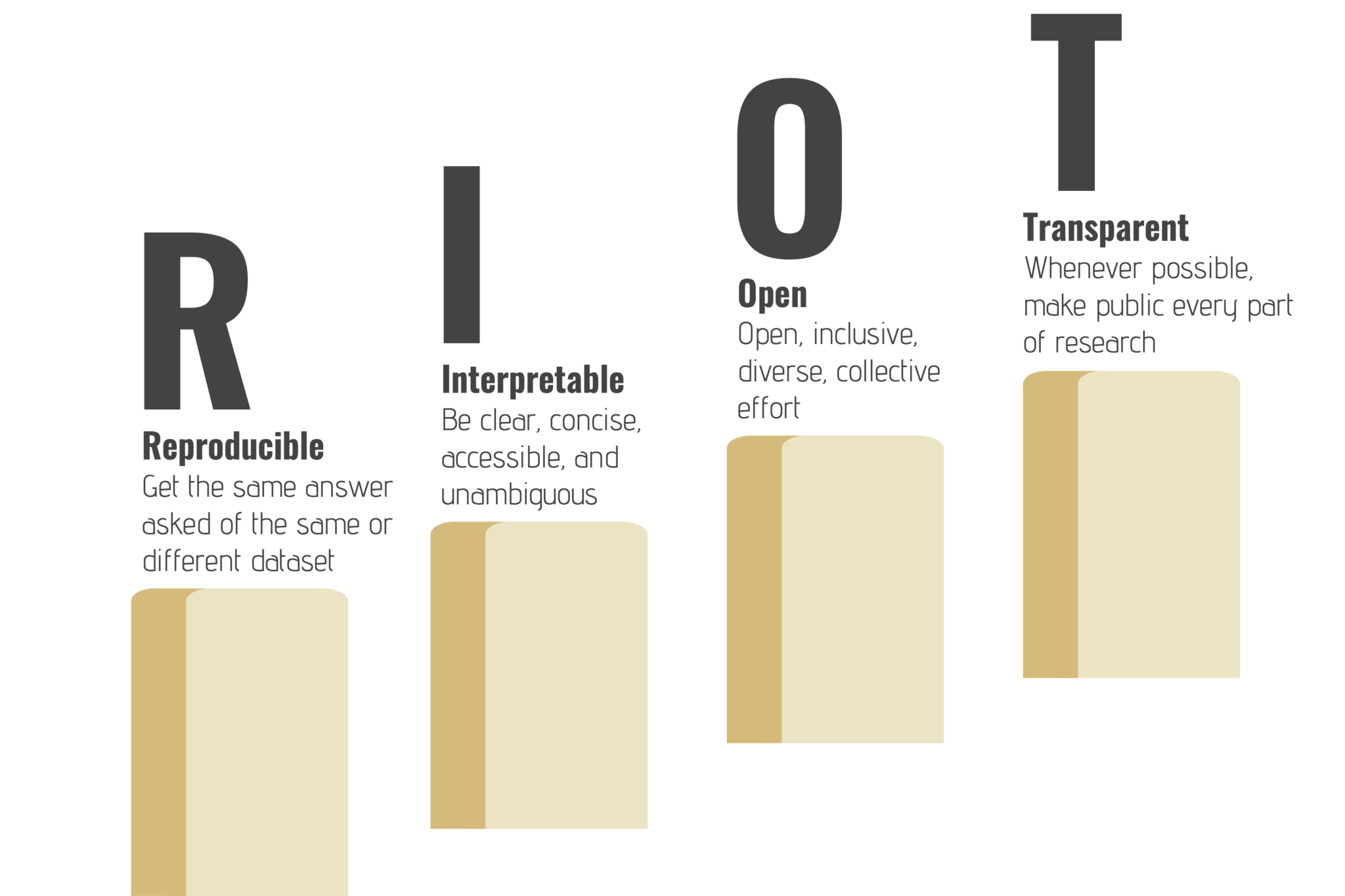
Reproducible: Performing the same analysis on the same data produces the same results
Why is reproducibility important?
In the context of scientific computing/analysis, we want to be able to:
Verify our own results
Verify the results of others
By making our work reproducible, we ensure that both these things are not just possible, but straightforward
Additional benefits
Safely implement changes
Can perform workflow on different inputs more easily
Simpler for new team members to get started
Better collaboration
Where do we go from here…
Throughout the rest of this session, we will walk through the steps that we can take to go from an ad hoc collection of scripts into a reproducible scientific workflow!
Version Control
Version Control
The first thing we should do is move our project into version control (VC)
This way we never lose the original state of the project
We can then try things without worrying about breaking anything!
This will also benefit any later development, so the sooner the better
What to add to VC
DON’T do this:
git add .
Our repository should only contain:
Code/scripts
Documentation
Metadata
i.e. just text files
There will be some exceptions to this rule, but for the vast majority of cases it will be true.
What to add to VC
Large datafiles should be hosted separately (e.g. on Zenodo)
External dependencies should be declared
e.g. link to Zenodo dataset in docs and code
Use .gitignore to automatically ignore any unwanted files
e.g. build outputs
Aside - testing with worktrees
git worktrees are like “local clones” of a repository
Create a worktree:
git worktree add -b<new-branch-name><path>
Will make a new directory, with only files that are tracked
Can use as a cleanroom to ensure all dependencies are there
For more info: git worktree add --help
What to do next?
The repository can then also be hosted a remote service (e.g. GitHub, GitLab, Codeberg, Bitbucket)
This will make collaboration with other people a lot easier!
It will also mean that any work done can be accessed by collaborators
Dependencies
Dependencies
All software has dependencies
Some are more obvious than others:
Data/input
Packages/libraries e.g. numpy, Eigen
System libraries
Compiler/Interpreter
If your code can’t run without it, it’s a dependency!
How to discover dependencies
Some dependencies may be “implicit”
For example, you may have a library installed on your system
Since the code “just works”, you may not be aware of the dependency
To find these, try running on a different system (or multiple) and see what breaks
How to declare dependencies
List them in a tracked file in the repository
e.g. add a “Dependencies” section to your README.md
Specify:
Versions of each dependency e.g. numpy 2.3.9
Where/how to aquire the dependency
Dependency metadata
There are automated ways of resolving dependencies
Usually language/tool specific
Some tools automatically update dependency metadata
e.g. Rust’s cargo, Julia’s Pkg, uv for Python
Project file: Depencies and compatible versions
Lock file: Write exact version (plus other metadata e.g. source) of every dependency you are using
Important to track both - lock files record the exact environment you use
System dependencies
Conda
Docker
Nix/Guix
Testing
Testing
Important to test code
Check that code does what it should
Test on inputs outside of the “normal” range
Verify that results of code do not change
Can also be used to check dependency changes
Unit tests
Test the smallest logical unit of the code
Ensure each component works as intended
Test functions for known results
Compare to previously produced results
Integration tests
Test that components work together
Try to have a range of complexity of tests
Can use previous results to validate model
Ensure no regression of results
Adding tests to a project
Often we inherit large projects with no unit tests
How do we improve test coverage in this case?
Adding tests to a project
Create integration tests - use previous results or create “golden outputs”
Identify and extract parts of the code which can be split apart
Create unit tests for the new functions
Run the integration tests to ensure results have not changed
Repeat 2-4 until all code has unit tests
Whenever you change a part of the code, try to use this method
Code coverage will slowly improve, with less extra work
Automating tests (CI etc)
Automate testing to ensure tests pass for every commit
Also useful for tests that can take a long time/need lots of resources
If hosting code on e.g. GitHub, GitLab etc, can use Continuous Integration (CI)
Documentation
Documentation
Not all information can be conveyed in code
We need to tell other people how to use our projects
And sometimes ourselves!
Documentation covers anything outside of the code/metadata
README
Markdown file at the project root
Should contain:
Description of project
Dependencies
Instructions on building/running
Comments
Comments in code are also another form of documentation
Comments should:
Explain why the code is doing something
Give context that is external to the scope
Generating Docs
Use tools that generate docs from source code
Single source of truth
Comments/Docstrings embedded in code
Reduce separation between code and docs
FAIR and FAIR4RS Principles
The FAIR principles were first introduced for data, and later adapted for research software (FAIR4RS) 1.
FAIR stands for
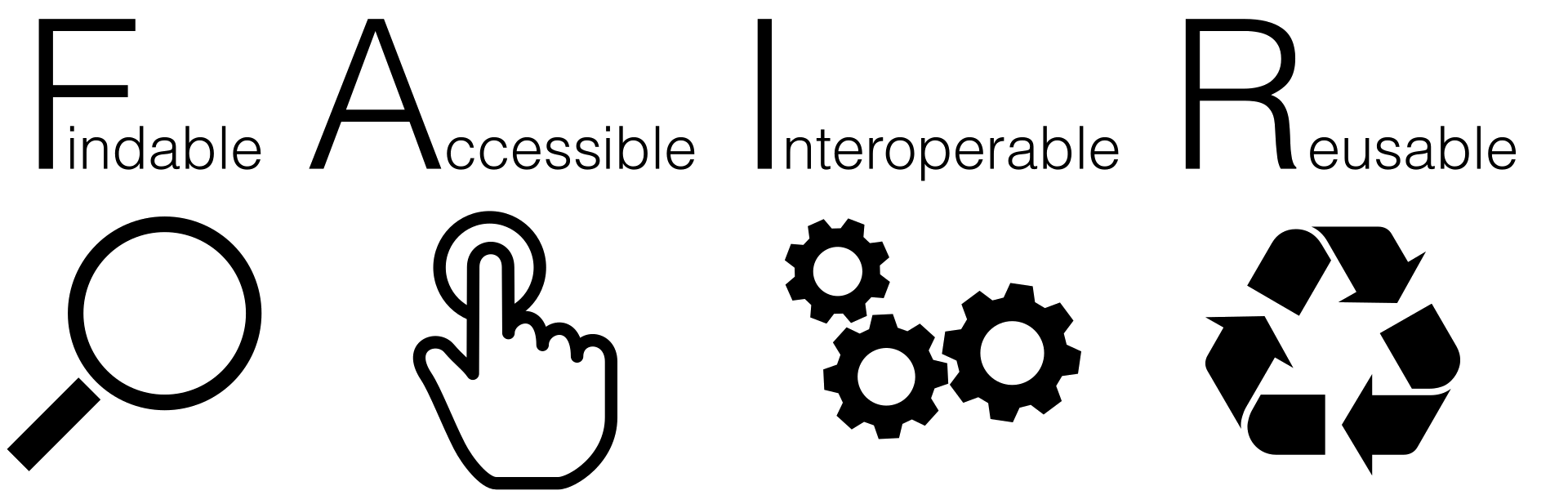
Findable
Software, and its metadata, are easy for humans and machines to find.
Cite your software and data in your papers (DOIs).
Document which results you got with which software and data version.
Use version control.
Document your data and software.
Accessible
Software, and its metadata, are retrievable via standardised protocols.
Version controlled, documented and identifiable.
Ideally, software and data are open source.
Use a permissive license.
Interoperable
Software interoperates with other software by exchanging data and/or metadata, and/or through interaction via a application programming interfaces (APIs), described through standards.
Provide clear and well documented interfaces.
Avoid reinventing the wheel - use standards. (There have been clever people before you…)
Reusable
Software is both usable (can be executed) and reusable (can be understood, modified, built upon, or incorporated into other software).
Again: Documentation, licenses, standards.
Build your software in a modular way.
Reproducibility Initiatives
Efforts to improve software/research reproducibility
Various groups and organisations work for better reproducibility.
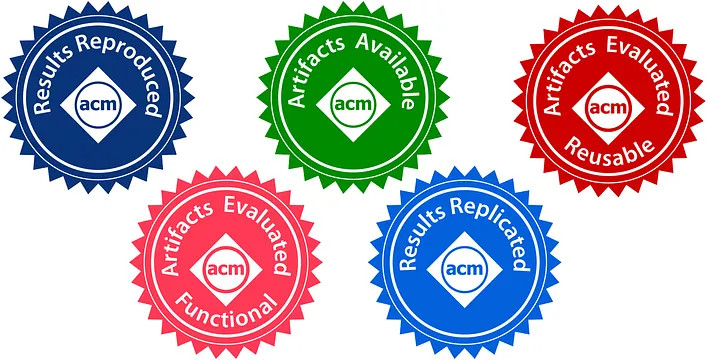
Conferences and journals start to ask for software, data etc. to back up research findings.
Software sustainability and research software engineering have become a thing (internationally).
But still not widely known outside of the bubble!
UK Reproducibility Network
Peer-led consortium within the UK, international networks
National Steering Group, local and institutional groups
Comments